
Spacio
Privacy-first phone & storage cleaner for Android — reclaim space on device.
Get Spacio on Android
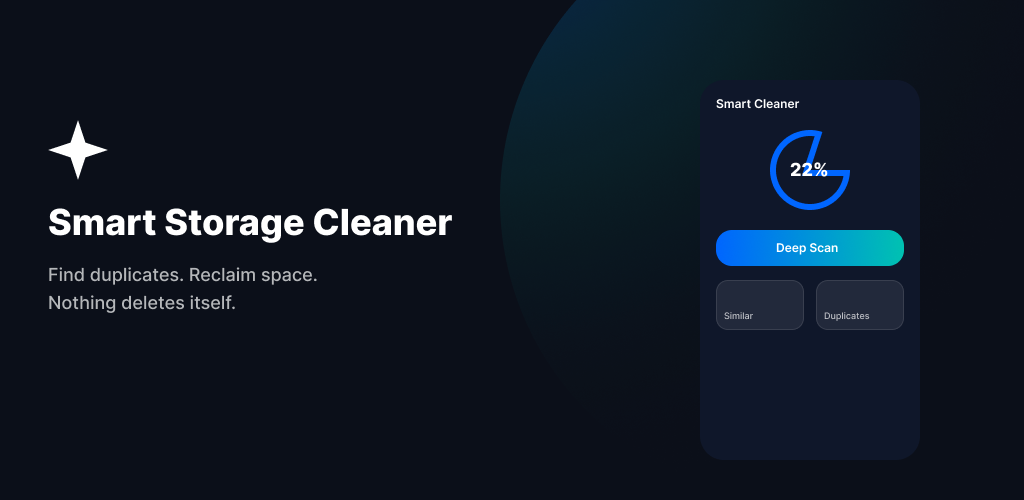
Spacio helps you free storage with local-first scans: exact duplicates, similar and blurry photos, screenshots, installers, app leftovers, and on-device video optimization — nothing is deleted without your confirmation, and personal media never silently leaves your phone.
Android app · com.techsidersolutions.cleaner.storage
Introduction
Spacio (Play listing: Spacio: Phone & Storage Cleaner) is Techsider Solutions’ privacy-first Android storage cleaner. It is built for people tired of “Storage Full” warnings who still want control — every cleanup is reviewable, and nothing is deleted automatically.
All core work happens on the device. Spacio indexes media with WorkManager, finds exact duplicates and similar or blurry photos with on-device analysis, and surfaces reclaimable space from screenshots, downloads, installers, and orphaned app leftovers. Your photos and files are not uploaded to Techsider cloud for cleaning.
The app is organized around a four-tab shell: Dashboard for storage overview and suggested cleanups, Photos for media tools, Files for non-media waste, and Settings for appearance, scan preferences, scheduled Spacio-cache cleanup, and legal links.
Spacio is an independent utility from Techsider Solutions. It does not claim to be an antivirus or system optimizer that modifies Android itself — it helps you find and remove storage waste you choose to delete.
At a glance
- Display name: Spacio · package com.techsidersolutions.cleaner.storage
- Audience: adults managing personal device storage (18+)
- Local-first: media stays on device; no silent cloud uploads of personal media
- Safe delete: review & confirm before MediaStore / SAF removal
- Optional Pro: unlimited similar & blurry scans, advanced video tools, ad-free
Features
Storage dashboard
See used and free space, counts for photos, videos, audio, downloads, and screenshots, plus recoverable-space estimates from duplicate and cleanup opportunities. Background indexing is resumable via WorkManager.
Exact duplicates
Fingerprint pre-filter and SHA-256 grouping find true duplicate photos and media. Review each group, keep what you want, and delete the rest — never auto-deleted.
Similar & blurry photos
Perceptual hashing (dHash) clusters look-alike shots; Laplacian blur and resolution hints help pick the best shot. Scans pause on low battery or power saver. Free quotas, rewarded unlocks, or Pro for heavier use.
Screenshots & photo tools
Clean screenshot clutter and use photo / space-saver toolkits from the Photos hub without sending albums to the cloud.
Video Optimizer
Compress videos on device with Media3 Transformer. Optionally keep an original copy under Movies/Spacio so you stay in control of quality vs space.
Files cleanup & app leftovers
Clear APK/XAPK installers, Downloads clutter, large files, and orphaned shared folders left by uninstalled apps. On Android 11+, All Files Access may be needed for non-media shared storage.
Review, recycle bin & history
Mark items for delete, confirm in a review queue, then use system delete requests (API 30+) or SAF. Recycle Bin recovers trash where supported; cleanup history stays local.
Settings & Spacio Pro
Theme, notifications, scan preferences, delete confirmation, and scheduled cleanup of Spacio’s own cache/temp only — never your photos or videos. Pro unlocks unlimited similar/blurry scans, advanced compression, and an ad-free experience.
App policies
Play-canonical documents on this site:
https://techsidersolutions.com/projects/spacio/privacy/